


Affordable technology for small hotels: PMS, automation and keys
When a small hotel talks about “affordable technology”, the typical mistake is to think of “the cheapest”. In reality, affordable means Operating returnfewer hours of repetitive tasks, fewer errors, fewer queues, and less reliance on key individuals. An economical system that, however, forces duplicated work (Excel, extranet, calls, corrections) is expensive in terms of time, reputation, and stress.
This guide proposes a realistic investment order, criteria for avoiding hidden costs, and a phased plan for uninterrupted hotel implementation.
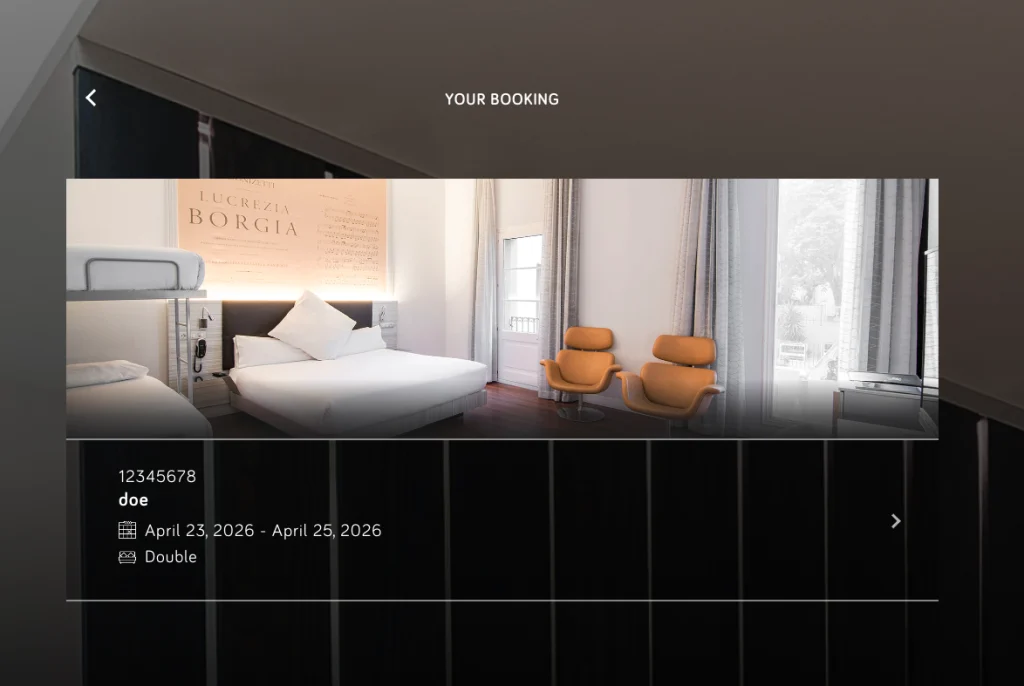
affordable
The real cost of a technology is not just the licence. In small hotels, what weighs most is the total cost of ownership (TCO)implementation, training, support, hardware, integrations and the team's time to keep it running.
Typical signs of hidden costs (even if the tool is “cheap”):
- Double entry: you record it in the PMS and then in Excel or another platform.
- Daily manual processes: updating rates by hand, copying data, chasing payments.
- Recurring incidents: overbookings, duplicate charges, room statuses not matching.
- Slow support or confusing implementation: each incident becomes hours lost.
If a tool reduces these frictions, it is usually more affordable in the medium term, even if it's not the cheapest in the first month.
The order that works best: 1) Cloud PMS, 2) automation, 3) keys/auto check-in
As a general recommendation for hotels with limited time and budget, this order avoids “purchases that don't fit”:
- PMS cloud As a stable core: centralises reserves, collections, and operations.
- Automation To reclaim hours: pre-check-in, useful messages, and rules per booking.
- PIN keys or digital access y automatic check-in when the context requires it (late arrivals, no 24h reception).
This approach reduces risk: first you order the operational heart and then you remove friction.
PMS for a small hotel: minimum features you really need
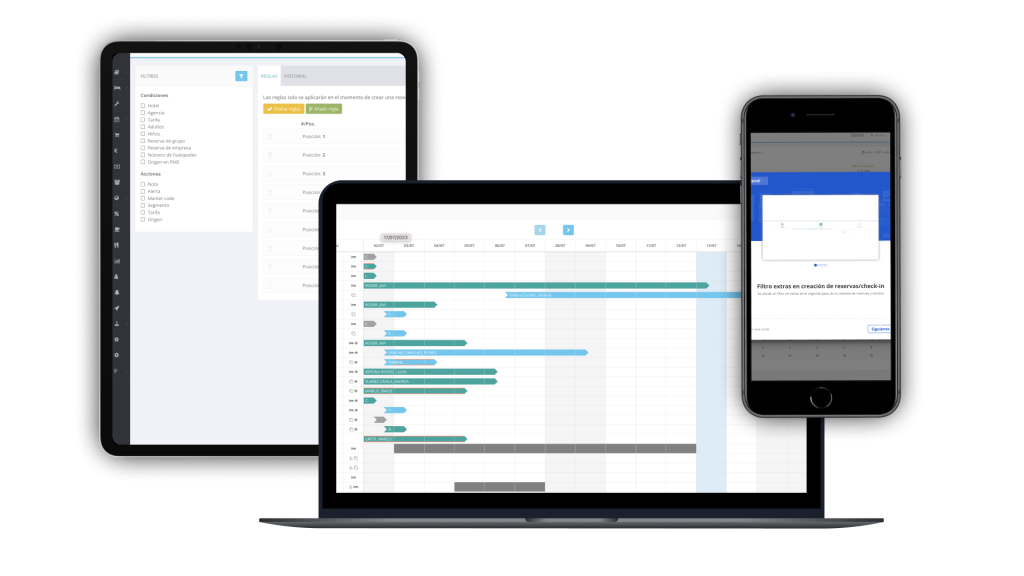
A “minimum viable” PMS to operate well doesn't need a hundred modules. It needs to cover the essentials:
- Bookings and occupancy calendar.
- Availability and inventory by typology.
- Check-in/check-out with a clear process.
- Payments, reference numbers and payment statuses (what is outstanding and what is not).
- Basic invoices and documentation.
- Essential reports (arrivals/departures, daily takings, occupancy by date).
- Roles/users (each sees what they need).
- Cloud/multi-device access.
If the PMS resolves this stably, you're already reducing many hours of “firefighting”.
PMS cloud y multidispositivo: por qué importa cuando no tienes equipo grande
In a small hotel, management and staff are not always physically at reception. A cloud PMS allows you to check occupancy, arrivals, incidents, and payments from anywhere and act quickly when something goes wrong. This agility is part of the return: less waiting, less reliance on the reception PC, and better continuity between shifts.
Automation: The fastest way to reclaim hours at reception
Once the PMS is stable, automation is where the quickest return usually appears because it cuts out repetitive tasks. Four high-impact automations for small hotels:
- Successful confirmations with useful information (to reduce repeated questions).
- Pre check-in to collect data before arrival.
- Conditional reminders (only if something is missing to complete).
- Policies by reservation type (payments, alerts, notes, extras) to avoid manual review.
Pre check-in: fewer queues and fewer data errors
Pre-check-in allows guests to complete details in advance, meaning reception only needs to validate and finalise. During peak arrival times, this translates to fewer minutes per check-in and fewer errors due to rushing. It also reduces repeated queries as guests arrive having already reviewed the information.
Conditional reminders: how to avoid “spam” and still increase completion
Mass reminders to everyone tend to generate complaints. Conditional reminders are the opposite: they only remind those who haven't completed the action (e.g., pre-check-in or outstanding payment). This reduces saturation and maintains effectiveness without unnecessary pestering.
Keys and access: when it makes sense to invest in PIN or digital access
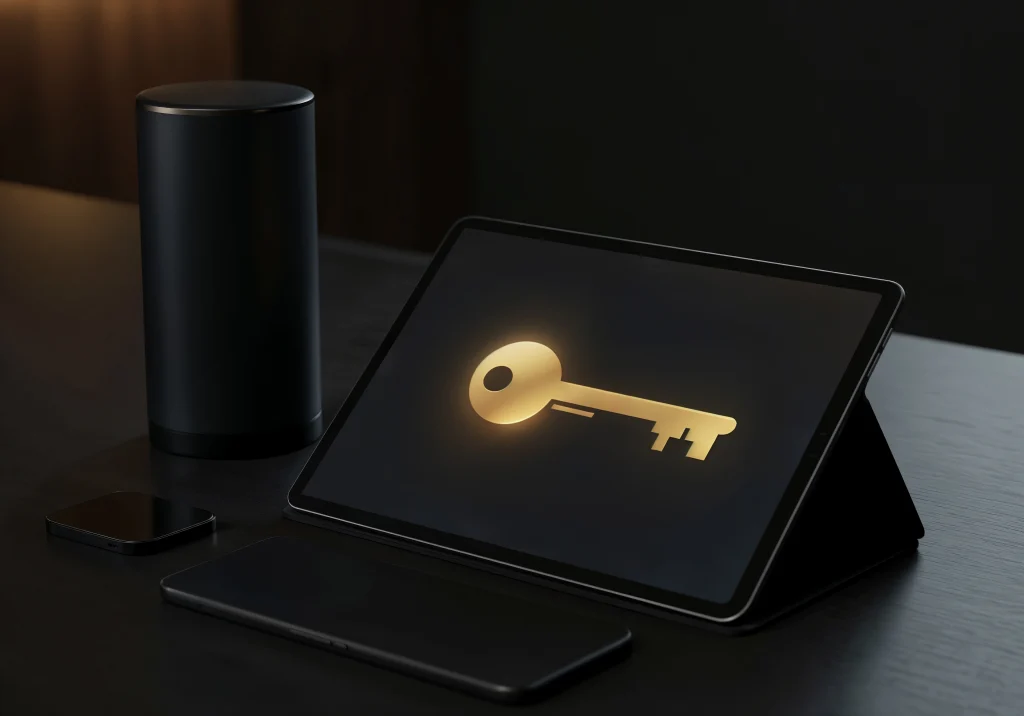
“Modern” keys aren't a priority for all small hotels. Their return on investment typically appears when there's a clear context:
- 24-hour reception not available or very limited shifts.
- Many late arrivals or recurring self-arrivals.
- Need for self-service to reduce queues.
- Common problems with lost physical keys or key management.
If your biggest pain point today is duplicated work or invoicing/folio issues, you typically need PMS + automation first.
Keys with PIN: operational advantages and limitations
Typical advantages: facilitating arrivals without a physical presence, reducing reliance on physical cards, and simplifying certain operations. Limitations: incident management (guest not understanding access), out-of-hours support, and the need for clear procedures for physical security and exceptions. It’s not “install and forget”: it requires defined operation.
Essential integrations to avoid duplicating work
Technology is only affordable if it doesn't add extra work. This is why the integrations that usually prevent the most wasted hours are:
- Channel manager If you sell on OTAs (to avoid manual extranet).
- Booking engine If you want an organised stream.
- Payments To reduce manual charges and discrepancies.
- Housekeeping If you need real-time coordination (depending on size/operations).
- Locks if you implement PIN/digital access.
The goal is simple: a single source of truth and less “copy-pasting”.
Signs that you are lacking integration
If you update rates manually daily, have overbookings, correct charges, room statuses don't reconcile, or you export to Excel every day to “understand what happened,” you're paying with hours. In that case, integration is usually more affordable than maintaining manual work.
Phase plan in 30 days
A realistic plan by weeks, without promising miracles:
Week 1: PMS + data and roles
Leave the core stable, users defined, and the check-in/out process clear.
Week 2: Messages/Templates + Pre-check-in
Useful confirmation, pre-check-in link and minimum communication cadence.
Week 3: automations and rules per booking
Conditional reminders, simple rules for alerts/notes/payments and reduction of manual review.
Week 4: PIN/auto check-in keys (if applicable) + control routines
Only if the context requires: late arrivals, self-service, defined access. Conclude with daily/weekly review routines.
What to measure to demonstrate that an investment is “affordable” (operational ROI)
Simple metrics a small hotel can track:
- Average check-in time (especially during peak periods).
- Number of repeated queries (timetables, parking, access).
- % pre-check-in has been completed.
- Data errors or charges corrected.
- Weekly administrative hours (estimated).
- Complaints in reviews related to the arrival process or disorganisation.
If these metrics improve, the investment is returning time and stability.
Common mistakes when buying “cheap” technology for small hotels
Typical failures: choosing solely on price, not defining processes, assembling a “jigsaw puzzle” of loose tools, weak integrations, slow support, insufficient training, and not assigning an internal responsible person. In small hotels, the lack of ownership turns any tool into a hidden cost.
Preguntas frecuentes sobre tecnología asequible en hoteles pequeños
What is the first thing a small hotel should implement: PMS or smart locks?
In most cases, the PMS is the core and is usually the first priority because it manages bookings, payments, and operations. Smart locks or PIN keys add more value for late arrivals, reception not being 24h, or a genuine need for self-service. Without a stable PMS, locks can add complexity.
How do I know if a solution is truly “affordable”?
Looking at the total cost: licence, implementation, support, integrations, and, above all, the time it saves you or consumes. If it forces you to duplicate processes (Excel, manual extranet, constant corrections), it's usually expensive even if the fee is low. An affordable solution consistently reduces hours and errors.
What automation saves the most time at reception?
It's usually a combination: pre-check-in to gather data beforehand, well-structured confirmations that reduce doubts, and conditional reminders (only to those who still need to complete something). These three together cut down queues and repetitive questions without needing major operational changes.
When does it make sense to use PIN key cards in a small hotel?
When you have many late arrivals, reception that isn't 24-hour, peak times that saturate the desk, or a self-service model that suits your customers. Also, if you want to reduce issues with lost physical keys. It's advisable to accompany it with a support plan and procedures for exceptions.
What integrations are essential to avoid duplicating work?
It depends on the sales channel, but usually: a channel manager if you sell on OTAs, a booking engine for efficient direct bookings, payment integration to reduce manual charges, and, if your operations require it, housekeeping and locks. The priority is to avoid double bookings and daily discrepancies.
You may also be interested in



REQUEST YOUR DEMO TODAY
Discover how Lean Hotel System can transform your hotel business